> For the complete documentation index, see [llms.txt](https://docs.akinon.com/llms.txt). Markdown versions of documentation pages are available by appending `.md` to page URLs; this page is available as [Markdown](https://docs.akinon.com/akinon-ui/getting-started/overview.md).
# Overview
Welcome to Akinon UI — a comprehensive ecosystem of tools, components, and protocols designed to help partners and developers build seamless applications for Akinon's commerce platform.
### What is Akinon UI?
Akinon UI is a developer platform that enables you to create custom applications and features that integrate natively into Akinon's ecosystem, including [**Omnitron**](/products/omnitron.md), [**Seller Center**](/products/seller-center.md), and other enterprise solutions.
Whether you're building a custom campaign manager, a specialized analytics dashboard, or a unique workflow tool, Akinon UI provides everything you need to create extensions that look, feel, and behave as if they were built into the core platform.
{% hint style="info" %}
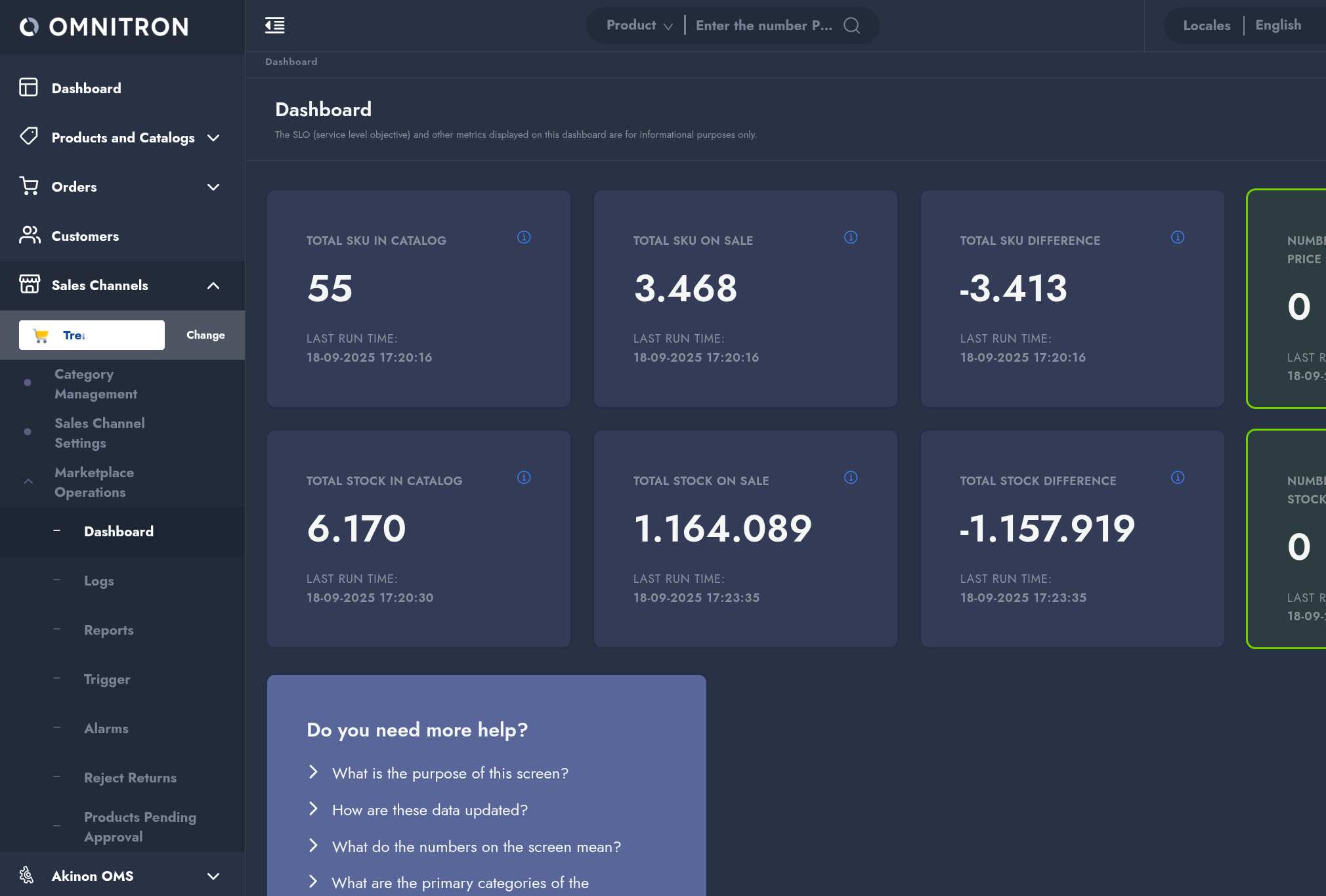
Did you know [Marketplace Dashboard](/products/marketplace-dashboard-mpd.md) is shown in Omnitron as an Akinon UI extension?
{% endhint %}
### The Challenge: Enterprise Extensibility
Modern e-commerce platforms face a fundamental challenge: how to meet diverse customer needs without bloating the core product with features that only serve specific use cases.
At Akinon, we take an **enterprise-first approach** to this problem:
* **Keep core products focused** — Our main applications remain lean, stable, and performant
* **Enable custom solutions** — Partners and customers can build specialized features tailored to their unique business requirements
* **Maintain consistency** — All extensions, regardless of their creator, maintain the same look, feel, and user experience as the core platform
Traditional approaches to extensibility often compromise security, performance, or user experience. Plugin systems that run in the same context as the main application can introduce complexity, vulnerabilities and conflicts. Standalone applications create jarring transitions and fragmented experiences for end users.
We needed a better solution.
### The Solution: Safe, Seamless Integration
Akinon UI solves these challenges through a secure, standards-based architecture that combines:
#### **Secure Sandboxing**
Your extension applications run in isolated iframes, providing security boundaries while maintaining full functionality. This protects the core platform while giving you the freedom to build with your preferred tools and frameworks.
#### **Standardized Communication**
The **UI Protocol** establishes a robust, bidirectional communication channel between your extension and the host application using the browser's native `postMessage` API. This enables secure data exchange, navigation control, and event handling.
#### **Design System Consistency**
The **UI Kit** provides a complete library of React components, ensuring your extension's interface is visually indistinguishable from the core platform. Your custom features will feel like native functionality to end users.
#### **Developer Experience**
The **CLI** accelerates development with project scaffolding, development tools, and testing utilities. Get started in minutes, not hours.
### Core Components
Akinon UI consists of three main pillars that work together to provide a complete development experience:
#### 1. UI Protocol
The communication backbone that enables secure, structured interaction between your extension and Akinon's host applications.
**Key Capabilities:**
* **Data Sharing** — Access shared configuration, user context, and application state
* **Navigation Control** — Programmatically navigate within the host application
* **Action Handling** — Respond to and trigger events in the host environment
* **Internationalization** — Seamless i18n support across application boundaries
**Two Libraries:**
* **`@akinon/app-shell`** — Integrates into host applications
* **`@akinon/app-client`** — Integrates into extension application
Learn more: [UI Protocol Documentation](/akinon-ui/ui-protocol/usage.md)
#### 2. UI Kit
A comprehensive React component library that provides the building blocks for creating consistent, accessible, and beautiful user interfaces.
**What's Included:**
* **Primitive Components** — Buttons, inputs, modals, dropdowns, and more
* **Composite Components** — Tables, forms, filters, and complex UI patterns
* **Hooks** — React hooks for common functionality (debouncing, local storage, etc.)
* **Utilities** — Date handling (`@akinon/akidate`), internationalization (`@akinon/akilocale`), and validation (`@akinon/akival`)
* **Design System** — Pre-themed components and utility classes
**Design Philosophy:** The UI Kit is intentionally opinionated to ensure consistency across the entire Akinon ecosystem. Components maintain a uniform appearance and behavior, with utility classes available where it makes sense for your use case.
Learn more: [UI Kit Documentation](/akinon-ui/ui-kit/usage.md)
#### 3. CLI
Command-line tools that streamline the entire development lifecycle, from project creation to production deployment.
**Features:**
* **Project Scaffolding** — Create fullpage applications, plugins, or multi-app projects with pre-configured templates
* **Development Shell** — Built-in development server that simulates the Omnitron/Seller Center environment
* **Codemods** — Automated migration tools for upgrading between versions
**Quick Start:**
```bash
pnpm create akinon-app@latest
```
Learn more: [CLI Documentation](/akinon-ui/cli/introduction.md)
### Who Should Use Akinon UI?
Akinon UI is designed for:
#### **Partners & System Integrators**
Building custom solutions for Akinon customers, whether it's industry-specific features, third-party service integrations, or specialized workflows.
#### **Customer Development Teams**
Creating internal tools and features to address unique business requirements that go beyond the core platform's capabilities.
#### **Independent Developers**
Building extensions for the [ACC App Store](/technical-guides/acc/app-store-for-developers.md), whether for specific clients or as products available to multiple customers.
**Prerequisites:**
* Familiarity with **React** and modern JavaScript/TypeScript
* Understanding of **REST APIs** and asynchronous programming
* Basic knowledge of **HTML/CSS** and responsive design principles
No prior experience with Akinon's internal systems is required — this documentation provides everything you need to get started.
### What Can You Build?
Akinon UI supports two types of extension applications:
#### **Fullpage Applications**
Complete, standalone interfaces that occupy the entire outlet within the host application layout.
**Examples:**
* Marketplace analytics dashboards
* Custom integrator interfaces
* Specialized campaign management tools
* Reporting and business intelligence applications
#### **Plugin Applications**
Smaller, focused components that embed within specific sections of the host application.
**Examples:**
* Custom widgets in native pages
* Specialized form inputs or validators
* Real-time data visualizations
* Quick-action toolbars and panels
Both application types have full access to the UI Protocol's capabilities and can leverage the entire UI Kit component library.
### Architecture at a Glance
```
┌────────────────────────────────────────────────────────┐
│ Shell Application (Omnitron, Seller Center, or yours) │
│ ┌──────────────────────────────────────────────────┐ │
│ │ @akinon/app-shell │ │
│ │ • Manages iframe lifecycle │ │
│ │ • Provides shared data & context │ │
│ │ • Handles navigation & events │ │
│ └────────────────┬─────────────────────────────────┘ │
│ │ postMessage API │
│ │ │
│ ┌────────────────▼─────────────────────────────────┐ │
│ │ Client Application (iframe) │ │
│ │ ┌────────────────────────────────────────────┐ │ │
│ │ │ @akinon/app-client │ │ │
│ │ │ • Connects to app-shell │ │ │
│ │ │ • Sends/receives messages │ │ │
│ │ │ • Provides React hooks & components │ │ │
│ │ └────────────────────────────────────────────┘ │ │
│ │ ┌────────────────────────────────────────────┐ │ │
│ │ │ @akinon/ui-* (UI Kit) │ │ │
│ │ │ • Consistent design system │ │ │
│ │ │ • Pre-built React components │ │ │
│ │ │ • Utilities & helpers │ │ │
│ │ └────────────────────────────────────────────┘ │ │
│ │ │ │
│ │ Your custom business logic & features │ │
│ └──────────────────────────────────────────────────┘ │
└────────────────────────────────────────────────────────┘
```
Your extension runs in a secure iframe, communicates via the UI Protocol, and uses UI Kit components to maintain visual consistency — all while remaining completely isolated from the host application's internal code.
### Key Benefits
#### **Rapid Development**
Pre-built components, project templates, and development tools let you focus on business logic instead of boilerplate.
#### **Enterprise-Grade Security**
Iframe sandboxing and structured communication protocols ensure your code can't interfere with core platform functionality.
#### **Consistent User Experience**
UI Kit components automatically match the host application's design, creating a seamless experience for end users.
#### **Reusable Components**
Build your extensions with modern React patterns and TypeScript, with full type safety and IDE support.
#### **Framework Flexibility**
While UI Kit provides React components, the UI Protocol is framework-agnostic — use Vue, Svelte, or vanilla JavaScript if needed.
#### **Built-in Internationalization**
Leverage Akinon's i18n infrastructure to support multiple languages out of the box.
#### **Production-Ready**
Built and tested by Akinon's engineering team, these tools power real-world enterprise commerce platforms.
### Getting Started
Ready to build your first Akinon extension? Here's your path forward:
#### **1. Take Your First Steps**
Follow our quickstart guide to create your first extension application in under 5 minutes.
👉 [First Steps Guide](/akinon-ui/getting-started/first-steps.md)
#### **2. Explore the UI Kit**
Browse components, learn the design system, and understand styling patterns.
👉 [UI Kit Documentation](/akinon-ui/ui-kit/usage.md)
#### **3. Master the UI Protocol**
Deep-dive into client-shell communication, data sharing, and advanced integration patterns.
👉 [UI Protocol Documentation](/akinon-ui/ui-protocol/usage.md)
#### **4. Use the CLI**
Learn to scaffold projects, run development servers, and use productivity tools.
👉 [CLI Documentation](/akinon-ui/cli/introduction.md)
#### **5. See Examples**
Study real working codes and learn best-practices from Akinon engineers.
👉 [Examples & Recipes](/akinon-ui/ui-protocol/examples.md)
### Support & Resources
* **📝** [**Changelog**](/akinon-ui/resources/changelogs.md)**:** Track updates, new features, and breaking changes
* **❓** [**FAQs**](/akinon-ui/resources/faqs.md)**:** Common questions and troubleshooting tips
* **📖** [**Glossary**](/akinon-ui/resources/glossary.md)**:** Technical terms and concepts explained
***
**Welcome to the Akinon UI ecosystem.** We're excited to see what you'll build. Let's get started! 🚀
---
# Agent Instructions
This documentation is published with GitBook. GitBook is the documentation platform designed so that both humans and AI agents can read, navigate, and reason over technical content effectively. Learn more at gitbook.com.
## Querying This Documentation
If you need additional information that is not directly available in this page, you can query the documentation dynamically by asking a question.
Perform an HTTP GET request on the current page URL with the `ask` query parameter, and the optional `goal` query parameter:
```
GET https://docs.akinon.com/akinon-ui/getting-started/overview.md?ask=&goal=
```
`ask` is the immediate question: it should be specific, self-contained, and written in natural language.
`goal` is optional and describes the broader end goal you are ultimately trying to accomplish on behalf of the user. GitBook uses it to tailor the answer towards what is most useful for that goal.
The response will contain a direct answer to the question and relevant excerpts and sources from the documentation.
Use this mechanism when the answer is not explicitly present in the current page, you need clarification or additional context, or you want to retrieve related documentation sections.